Start with you
We talk about your experience, goals and the work in front of you. Together we choose the questions worth focusing on.
Personal Training & Mentoring
Your footage. Your questions. A program built around the work you want to make. Learn editing, color, or the connection between them in focused one-to-one sessions.
PERSONAL TRAINING & MENTORING
There is no fixed class to keep up with. We start with what you make, what you already know and the decisions that are difficult right now. Then we build the sessions around you.
Ask the question you have been carrying. Bring a project or a reference. We will look, experiment and find a way you can use independently.
A SHARED PROCESS
We talk about your experience, goals and the work in front of you. Together we choose the questions worth focusing on.
We look at real images or a project, compare solutions and make the reasoning behind each choice visible.
Between sessions you can practise, bring back questions and develop a workflow that fits how you actually work.
YOUR QUESTIONS SET THE DIRECTION
You do not need to cover everything. We choose the subjects that are useful for your current level and the work you want to do.
AI / YOUR CREATIVE WORKFLOW
AI is most useful when it serves a clear creative or practical goal. We explore the tools through your own questions, while keeping your judgement at the centre.
Give useful context, explore alternatives and turn an ambiguous task into clear steps. Learn to question and check the answers.
Look at AI-assisted tools in DaVinci Resolve and decide where they genuinely help your edit or grade.
Explore practical automation and, where appropriate, connect an assistant with Resolve through MCP. Test the result against your project.
The tools depend on your setup and Resolve version. Some features require Resolve Studio; MCP is a separate integration.
EXPERIENCE IN TEACHING
More than 100 people have taken part in my workshops. That experience, my film education and my work in the grading room all inform how I listen, explain and help you find your next step.
A FORMAT THAT FITS
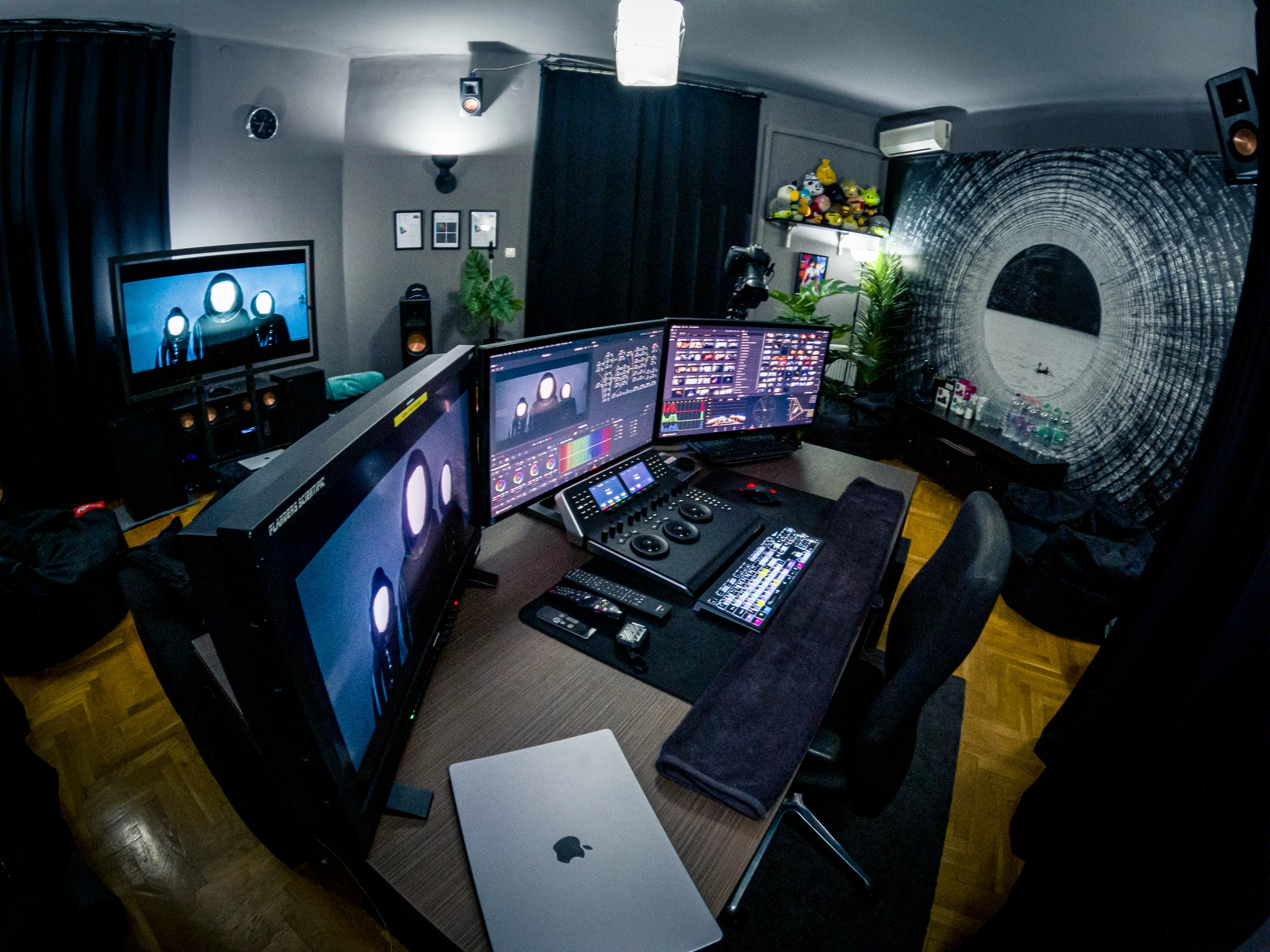
Meet one-to-one in the Budapest studio or live online. We choose the format together before we begin.
Programs usually run for 9–24 hours, beginning with at least three three-hour sessions. The schedule is agreed individually.
Tell me what you would like to learn and I will suggest a scope and an individual quote. We agree the details before booking.
The program is shaped around your goals; completing an entire project or covering every Resolve tool is not automatically included.
Tell me what you want to learnTHE CURRICULUM
Open a topic to see what we explore.
Media organization, metadata, Smart Bins, proxies, timelines, trimming, sync and multicam.
Titles, captions, reframing, offline media, sound handoff and export. We focus on the parts your work actually needs.
Exposure, contrast, color management, references, shot matching and a node structure you can follow.
Curves, keys, windows, tracking and version comparison. Discuss what each adjustment changes in the image.
Explore AI assistants, clear prompts, DaVinci Resolve tools and practical automation using your own questions.
When relevant, connect an assistant to Resolve through MCP and evaluate the result yourself. Availability depends on the tools and version you use.
Move between editing and color with a checked reference, accurate metadata and a clear handoff.
Client review, versions, communication and the practical decisions around finishing your own project.
No. Start with a description of your work and the decisions you find difficult. If you have suitable footage or a project you may share, we can use it to make the discussion more concrete.
Programs typically run from 9 to 24 hours, starting with at least three three-hour sessions. We agree the focus, format and schedule before starting.
Sessions can be held in the Budapest studio or live online. Personal training is quoted individually around the agreed scope. Send your background, goals and preferred format for a tailored offer.
Budapest. Connected to wherever you are.
Discuss personal training