Color Accelerator

Understand color.
Change how you see.

Move from guessing to understanding. Eight live sessions connect the image you see, the camera that recorded it, and the decisions you make in DaVinci Resolve.

Ask about the November groupExplore the program
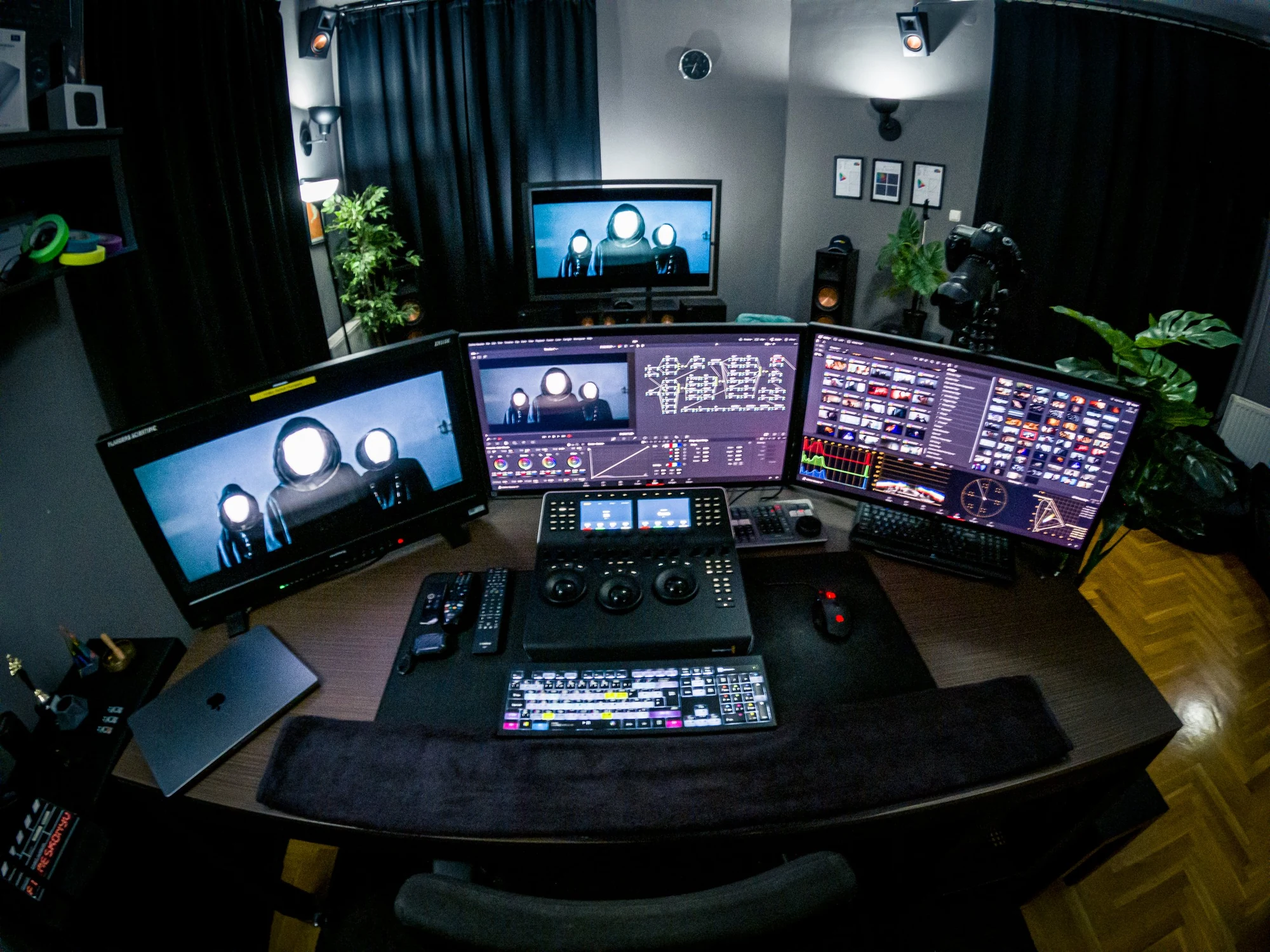
The grading environment used for Color Accelerator
Next group
3–26 November 2026 · Tue & Thu · 8 sessions
Format
Studio or live online
Group
6–8 in the room / 4–5 online
Published tuition
HUF 189,000 per person, net

COLOR ACCELERATOR / THE CONNECTIONS

A route through the image.

Select a stage. See how one decision prepares the next.

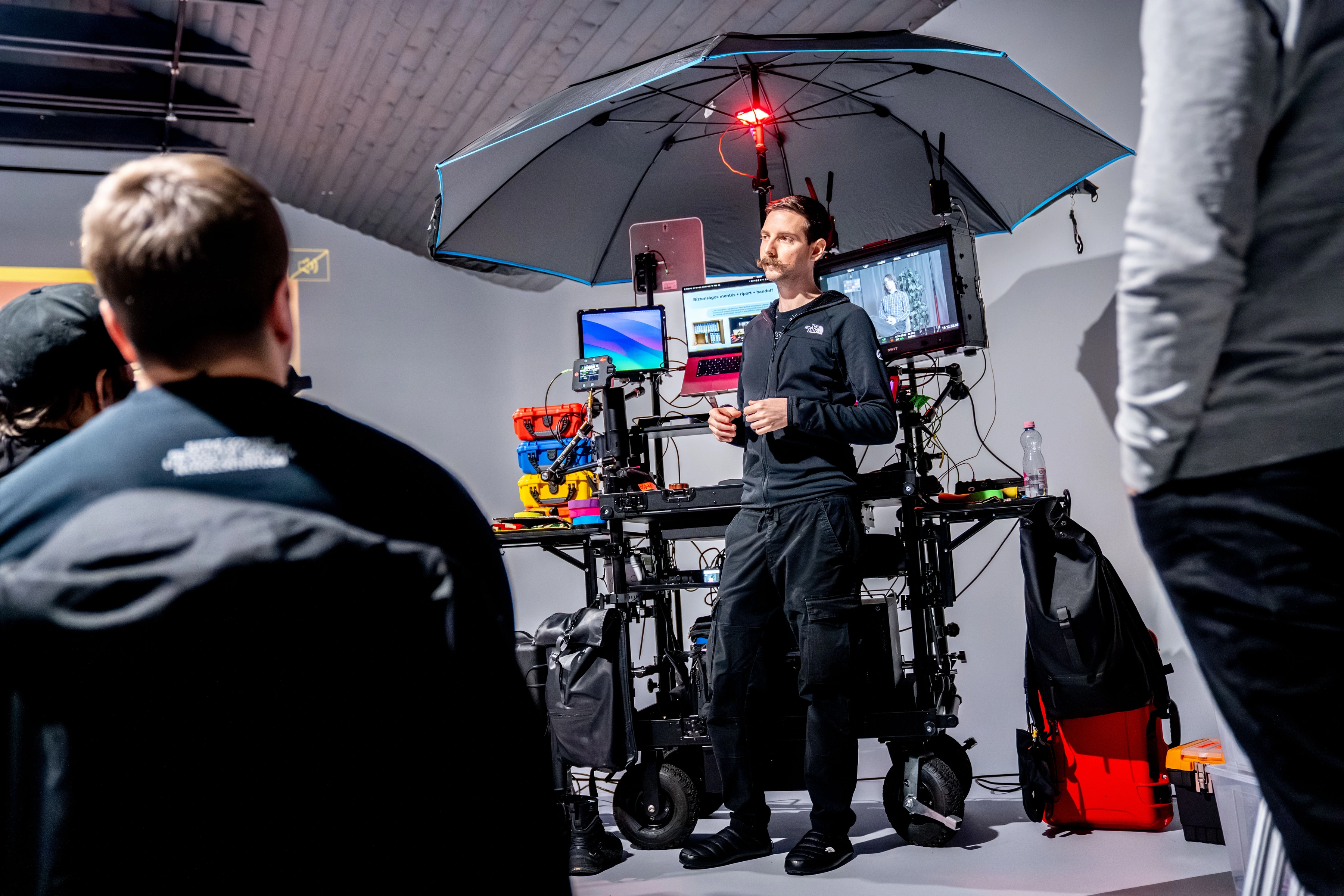
David teaches a group beside a DIT cart and presentation screens
Learning togetherA moment from a DIT workshop.

The question behind the tool

What is the camera telling us?

Exposure, dynamic range, middle grey, RAW and Log. Connect the choices made on set with what you can change in the grade.

Put it into practice

Read the scopes alongside the image and discuss where important detail is being held or lost.
The question behind the tool

Why does the same shot look different?

Color spaces, monitoring, color management and conform. Give the material a dependable starting point before shaping its character.

Put it into practice

Follow footage from the edit into Resolve, check the conform, and compare a consistent setup across camera sources.

The question behind the tool

What should the viewer feel?

Contrast, color, references and shot matching. Use nodes, curves, keys and windows with a clear visual reason.

Put it into practice

Break down a reference, discuss a grade, and look at how one decision carries through a sequence.

The question behind the tool

Where will the image be seen?

Masters, versions, delivery and archiving. Keep the creative intention connected to the final viewing environment.

Put it into practice

Trace the route from the grading timeline to an agreed master and the versions a project needs.

This is a map of the ideas we connect, rather than a fixed lesson-by-lesson timetable.

THE CURRICULUM

The things we work through.

Open a topic to see what we explore.

01 / Seeing, light and color

How we perceive brightness and color; why displays differ; what calibration is for.

Exposure, ISO, dynamic range, middle grey, RAW, Log, LUTs, codecs and scopes.

02 / From the edit to Resolve

Project setup, media organization, metadata and bringing an edit across from another application.

Check the conform: framing, retimes, transitions, source media and the approved reference.

03 / A grade with a reason

Primary controls, node logic, curves, keys, windows and tracking. Correction and creative grading work together.

References, contrast, saturation and shot matching; working with different cameras in one sequence.

04 / A workflow you can explain

Color management and ACES, handling versions, client communication and useful feedback.

Relevant AI-assisted tools in Resolve: where they help, what to check, and when a manual decision is better.

05 / The final image and what comes after

Prepare masters and versions for the agreed destination: online, broadcast or theatrical delivery.

Delivery checks, archiving and a practical resource collection for continued study.

INSIDE THE TEACHING

See the connections.

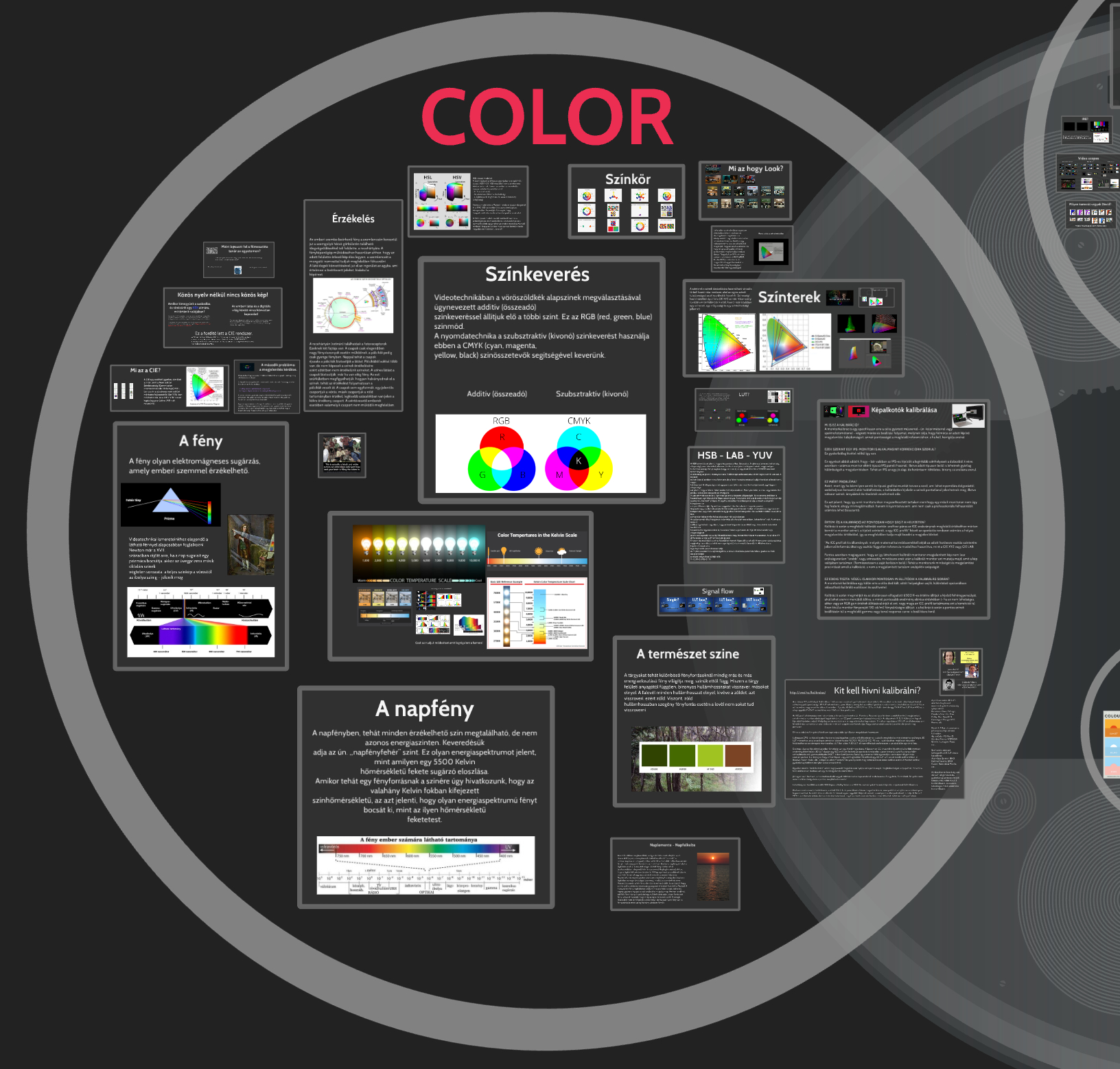
A few views from my current presentation, covering the theoretical side of the course. The original slides are in Hungarian; open any image to explore it at full size.

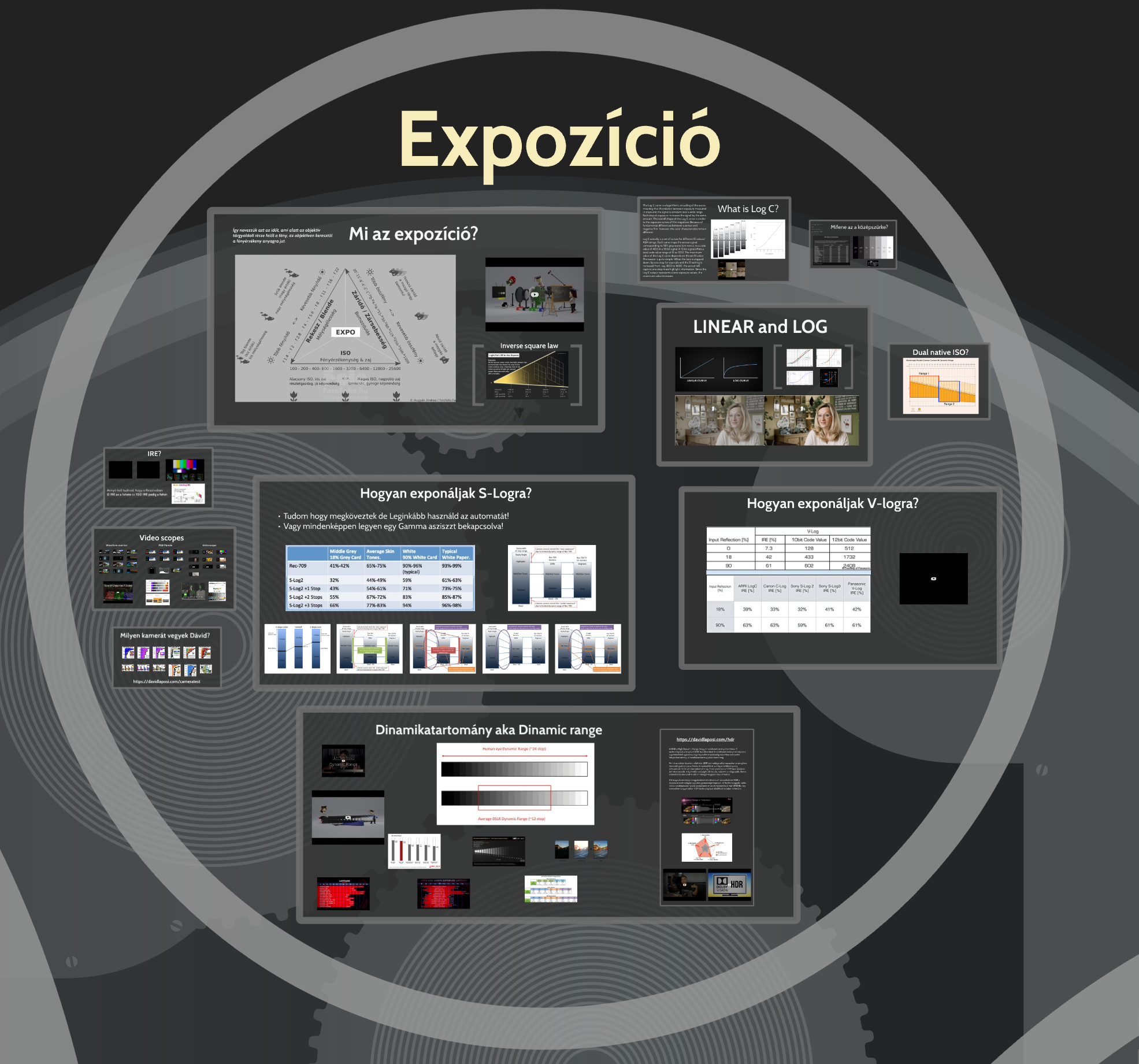
Light, vision, color

01

Light, vision, color

How perception, color mixing and color spaces connect.

Exposure and latitude

02

Exposure and latitude

From middle gray and Log to the detail a camera can retain.

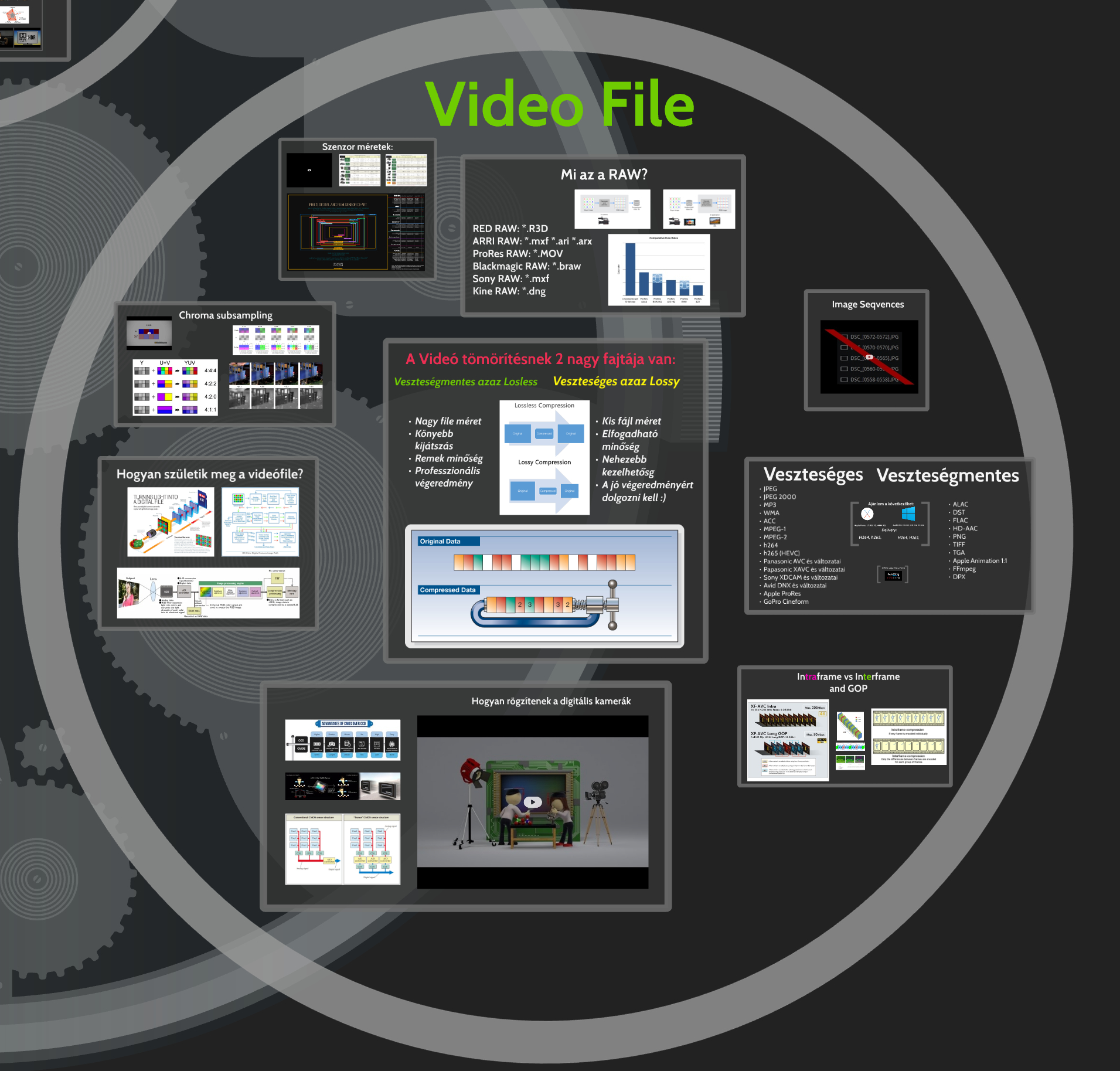
From sensor to file

03

From sensor to file

RAW, sampling, compression and the choices stored in an image.

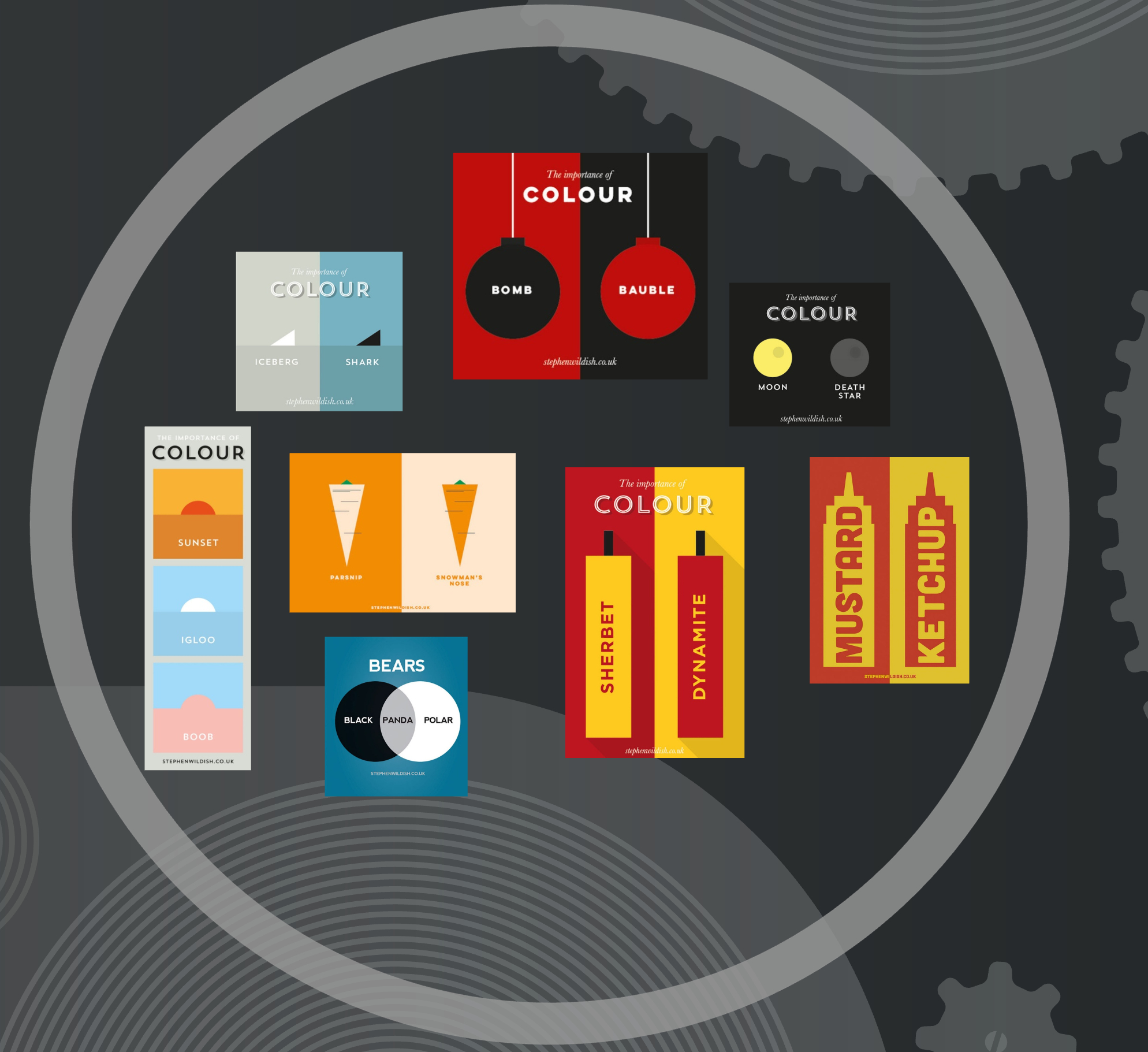
What a color makes us see

04

What a color makes us see

The same shape can suggest a different story when its color changes. Examples: Stephen Wildish.

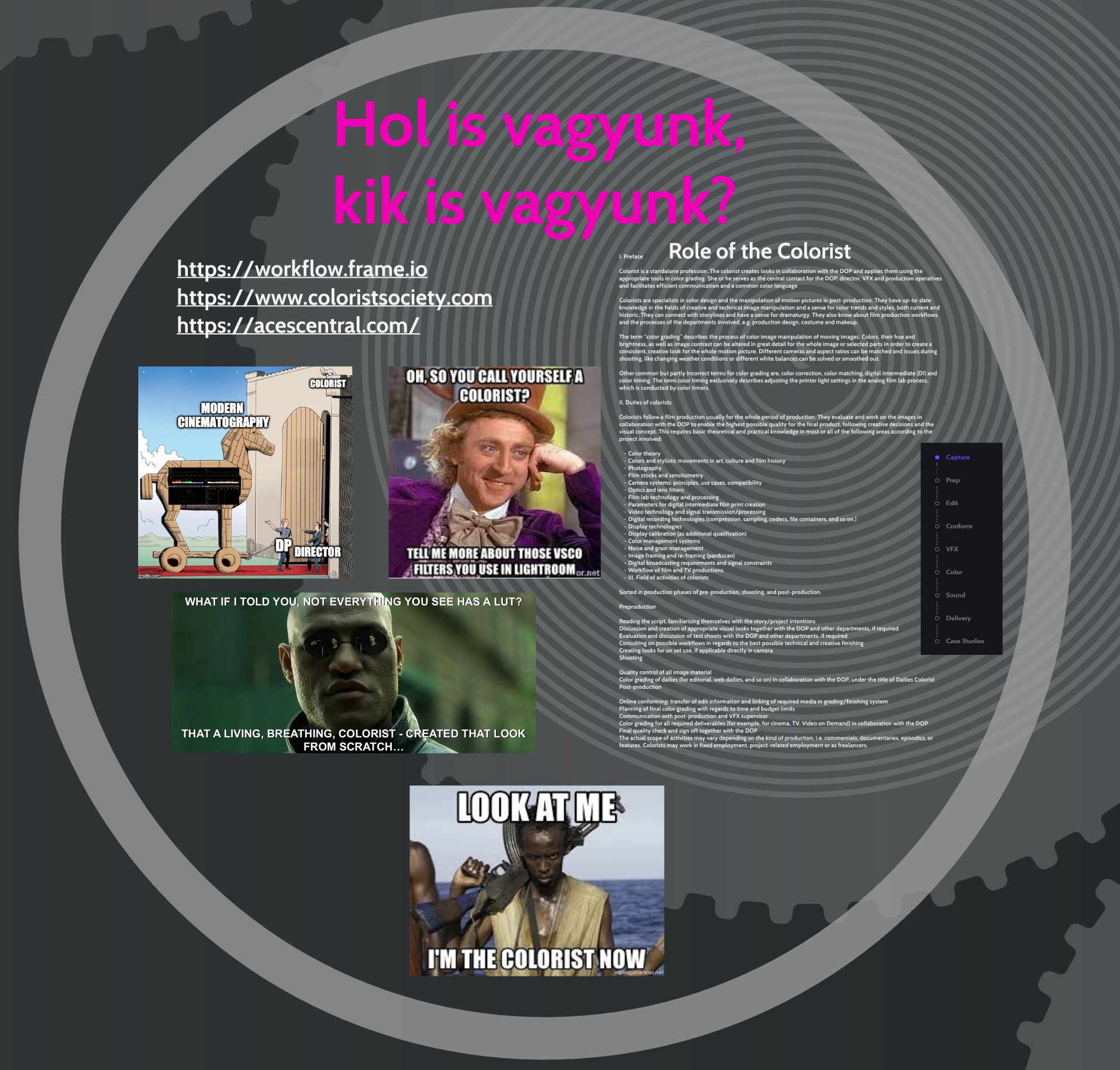
The colorist in the process

05

The colorist in the process

Creative judgement, shared language and the work beyond the controls.

Before you join.

Is this useful if I edit in another application?

Yes. The demonstrations use DaVinci Resolve, while the ideas about exposure, color and preparation apply beyond one application. Editors, cinematographers, directors and filmmakers are all part of the intended audience.

Should I bring a laptop or footage?

A laptop is welcome, but it is not the focus of every discussion. Bring specific questions and footage you have permission to share. Observing and understanding a decision is just as valuable as following the controls.

Can I join online or watch a recording later?

You can attend live from the studio or online. Online participants can choose between camera views. The published format does not include recordings or later replay.

How do I apply?

Email me with your experience and preferred attendance format. The published tuition is HUF 189,000 net per person. Available places, invoicing and the final terms are confirmed directly before booking.

Small group. Real questions.

For editors, cinematographers, directors and filmmakers who want to understand color more clearly. We use Resolve to connect technical knowledge with decisions you can see in an image.

Bring questions, references and footage you are allowed to share. The group gives us different ways of seeing the same problem; the aim is to understand why a decision works.

Keep exploring after the course

The published resource collection includes my workflow and node structure, practical grading materials, and approximately 250 GB of practice footage from different cameras.

References, project preparation and communication belong to the course too. They help you ask better questions before you reach for another control.

Your next chapter starts 3 November.

Eight live sessions, 24 scheduled hours. All times are local to Budapest. Tuesday and Thursday evenings, 3–26 November 2026.

18:00–21:00
18:00–21:00
18:00–21:00
18:00–21:00
18:00–21:00
18:00–21:00
18:00–21:00
18:00–21:00

Look a little further.

Budapest. Connected to wherever you are.

Join the November group
DAVID LAPOSI / WORK
DAVID LAPOSI / THE ARCHIVE

A body of work.

Different worlds. The same attention to the image.